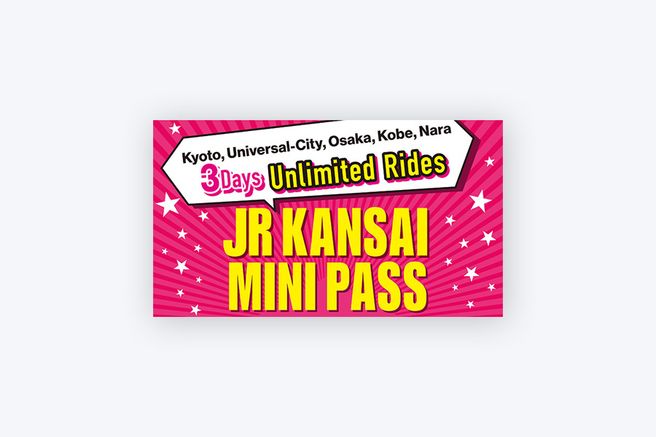
Available today
JR West Kansai Mini Pass Digital 3-Day Ticket (QR)
4.8
120 reviews
US$ 8.32
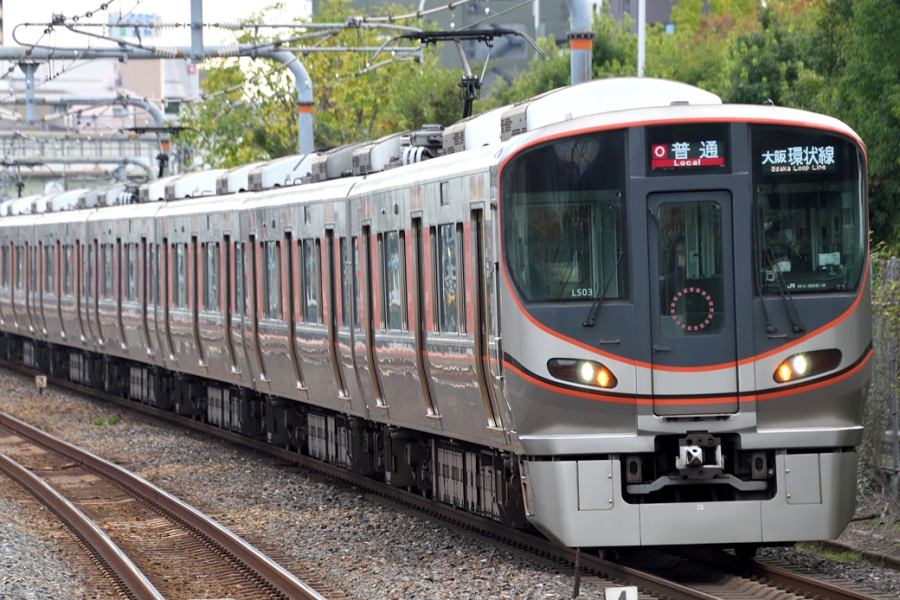
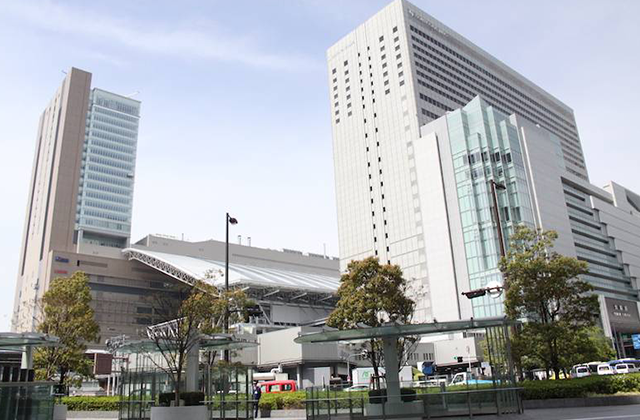



 Point Guide
 AI Picks
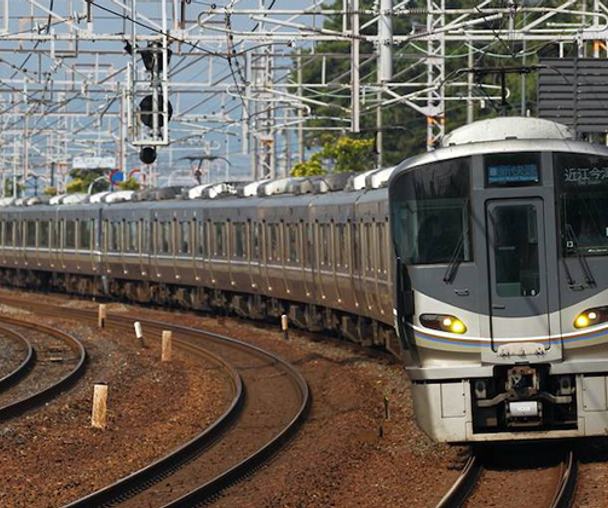
🙌 Board directly with a QR code without physical exchange using the WEST QR Kansai Area Pass!


All purchasers will receive a coupon for Kintetsu Department Store (Osaka/Nara)! The coupon can be downloaded from the purchase history page.

All purchasers will receive a 7% discount coupon for Bic Camera Japan! The coupon can be downloaded from the purchase history page.

All purchasers will receive a discount coupon for Don Quijote! The coupon can be downloaded from the purchase history page.

Japan's expert B2B travel platform.
5.0





류재*
I had a very comfortable and enjoyable three days. On the first day, I used the Haruka reserved seat and had a blast traveling to Kobe, Himeji, Akashi Kaikyo Bridge, Osaka, Nara, and more. I think I got more than three times the actual purchase price. I highly recommend it to anyone who travels a lot.


한승*
It's nice that you can also board the express train at the airport.

한승*
Since it's a QR code, there's no need to take out paper every time.

한정*
I used the voucher very well because it was convenient to use.~~

한정*
I bought it in advance and used it conveniently.

Want to see Osaka, Kobe, Nara, and Kyoto all with one pass?
Get the JR West Kansai Area Pass!
If you're planning an extensive trip across the Kansai region, including Kyoto, Osaka, Kobe, and Nara, the JR Kansai Area Pass offers unlimited travel on JR lines for your chosen duration. Unlike traditional passes that required physical exchange at stations, this QR ticket allows you to register it on your smartphone and simply scan it for boarding, no separate exchange needed.
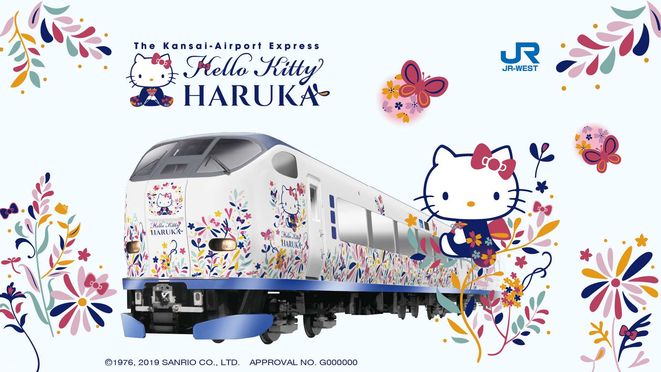
It's also convenient for travel from Kansai Airport to Osaka city or Universal Studios Japan, and includes two reserved seat uses on the Haruka Express. Complete your Kansai adventure with the Kansai Area Pass!

Planning a trip to Kansai?
WEST QR Kansai Area Pass
If you want to enjoy your trip to Osaka and visit other cities, use the JR Kansai Mini Pass. With the WEST QR Kansai Area Pass, you can easily board with just your smartphone without having to issue a physical ticket, so you can conveniently travel to Kyoto, Osaka, Kobe, and Nara for the desired number of days, so if you are planning a trip to Kansai, be sure to bring it.
Take the Haruka Limited Express with the JR Kansai Area Pass

The real reason why the JR Kansai West Pass is so good! That's because you can freely ride the Haruka Airport Limited Express. In particular, it is really convenient because Haruka can also be used as a reserved seat. If you have received the JR Kansai West Pass, it is best to take the Haruka Limited Express to Osaka or Kyoto!
Available sections


With the WEST QR Kansai Area Pass, you can use not only Osaka, Kyoto, Kobe, and Nara, but also Himeji and Wakayama, and you can also use the Haruka Limited Express without any limit on the number of times! (Reserved seats can be used up to 2 times)
One thing to note is that private railways and buses other than JR lines cannot be used. Kyoto Municipal Subway, Keihan Railway, Hankyu Railway, and West Japan JR Bus cannot be used, so please check the official website for detailed usage range. Go to the official website
How To Use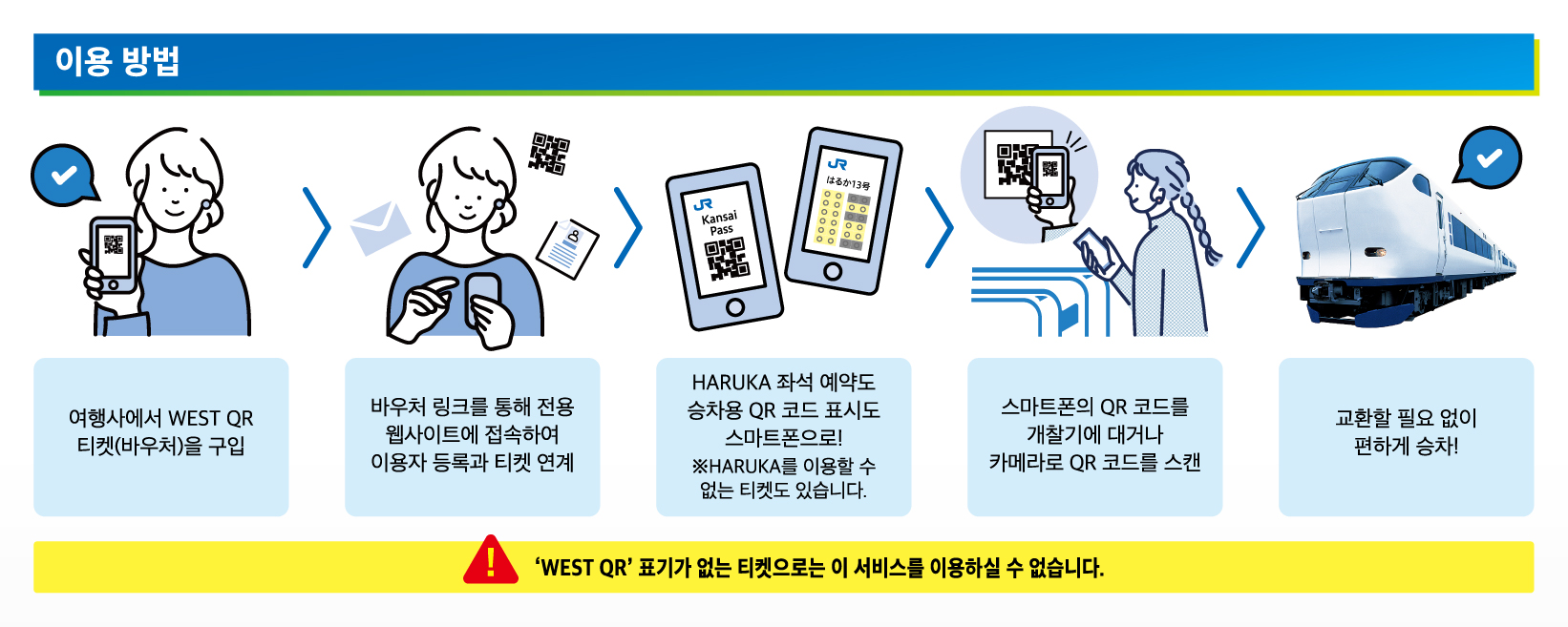
How to create an account and register a ticket :

▲ After purchasing the ticket, access the WEST QR official website and create an account.

▲ After creating an account, register your ticket.
* You cannot log in to multiple devices at the same time, so be sure to register your ticket on the device you will be using.
* If you do not have a smartphone, register your ticket on your companion's smartphone.
* Once you click 'Register Ticket', you cannot change between ticket accounts.
Usage start guide :

▲ Select the ticket you want to start using from the tickets displayed on the ticket list screen and click 'Start Use'. When the ticket is displayed, check the contents and press Use Ticket.
* You cannot cancel after starting use.
* Tickets must be opened on the day of use. Do not pass through the ticket gate before starting use.
* The validity period starts immediately after 'Use Start', so please be sure to use it on the day of use.
* The QR code is updated every 5 minutes, so it cannot be used with a captured screen or a printed QR code.
* If you accidentally click the Use Ticket button and the QR code is activated, click the chatbot icon at the bottom of the WEST QR app to inquire. We will help you invalidate it after checking whether the ticket has been used, and if the train has already departed, it cannot be invalidated.
* You can check the WEST QR official website for information on how to reserve reserved seats, cancel or change reservations, and pass through ticket gates. Go to the official website
[View Usage Start Guide File]
[View Reservation Change Guide File]
[View Haruka Reserved Seat Guide File]
[View How to Pass Through the Ticket Gate (If there is a QR Code Reader) Guide File]
[View How to Pass Through the Ticket Gate (If there is no QR Code Reader) Guide File]
※ All usage conditions are subject to the information stated on the voucher. Refunds or compensation will not be provided if you are unable to use the service due to failure to check the information.※ All usage conditions are subject to the information stated on the voucher. Refunds or compensation will not be provided if you are unable to use the service due to failure to check the information.
 What to Remember
 AI PicksPoint Guide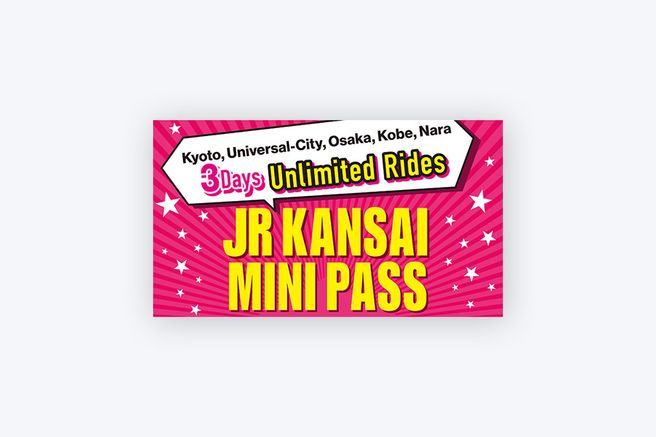


![[View Usage Start Guide File]](https://d2mgzmtdeipcjp.cloudfront.net/files/good_contents/2025/02/11/17392578434161.jpg)
![[View Reservation Change Guide File]](https://d2mgzmtdeipcjp.cloudfront.net/files/good_contents/2025/02/11/17392577708983.jpg)
![[View Haruka Reserved Seat Guide File]](https://d2mgzmtdeipcjp.cloudfront.net/files/good_contents/2025/02/11/17392575595792.jpg)
![[View How to Pass Through the Ticket Gate (If there is a QR Code Reader) Guide File]](https://d2mgzmtdeipcjp.cloudfront.net/files/good_contents/2025/02/11/17392585254406.jpg)
![[View How to Pass Through the Ticket Gate (If there is no QR Code Reader) Guide File]](https://d2mgzmtdeipcjp.cloudfront.net/files/good_contents/2025/02/11/17392585594192.jpg)