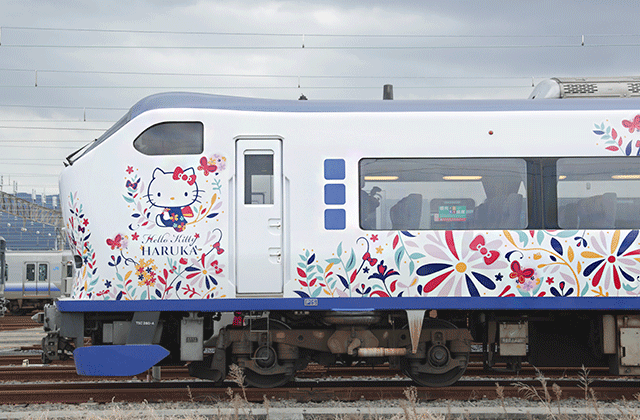
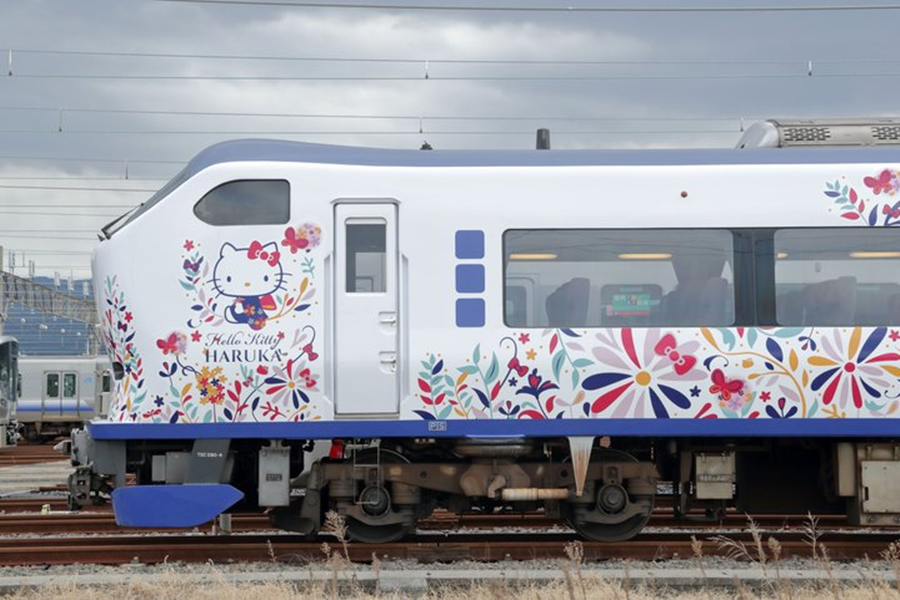
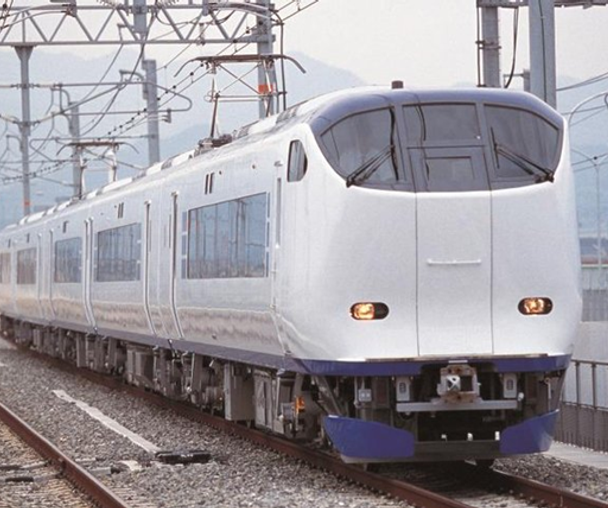
JR West Haruka Limited Express One-Way QR Ticket to Kansai Airport
 Point Guide
Product Info
 Instant Confirmation
 1 person
 Not Included
 Mobile voucher
 Use within the validity period
 Cancellation available

Promotion
All purchasers will receive a coupon for Kintetsu Department Store (Osaka/Nara)! The coupon can be downloaded from the purchase history page.

All purchasers will receive a 7% discount coupon for Bic Camera Japan! The coupon can be downloaded from the purchase history page.

All purchasers will receive a discount coupon for Don Quijote! The coupon can be downloaded from the purchase history page.
Reviews1,158
4.8

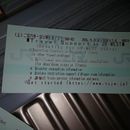
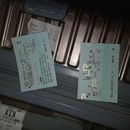
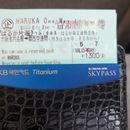

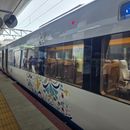
나유*
BESTWhen you scan the QR code, a ticket will appear, which says that it is for unreserved seats and that you can choose a reserved seat. If you put the ticket back into the machine, it will change to a mode that issues jizo stone. There are many people who just ride non-reserved seats, so please choose all reserved seats and move comfortably.
Highlights
Program

Haruka Limited Express: Easier and More Convenient Than Ever
Previously, you had to find a designated exchange machine at Kansai Airport or a station to get a physical ticket. Now, you can use your smartphone to board the Haruka Limited Express directly without any exchange! Pre-booking reserved seats is also simple, so you can board the train without wasting time, making your journey much more convenient.
If you plan to use the Haruka Limited Express, just bring your smartphone and enjoy a fast and convenient trip!
Check the Haruka Route

The Haruka Limited Express is the fastest and most comfortable way to travel between Kansai Airport and Tennoji, Osaka, Shin-Osaka, and Kyoto stations. Please note that for Kobe or Nara, you will need to transfer to a local train at an intermediate station!
Kobe Route: Transfer at Osaka Station / Nara Route: Transfer at Tennoji Station
Osaka · Tennoji Accessible Route Check Here
Kyoto Accessible Route Check Here
Kobe Accessible Route Check Here
Wait! Have you checked out the Haruka Combo Pass?

WAUG offers various combo passes that include the Haruka Limited Express. If you were planning to purchase the included items anyway, a combo pass is more economical than buying them individually!
JR Haruka Combined Products View Here
Information
What's Included
- Selected option ticket
What's Not Included
- Other personal expenses
- Travel Insurance Get Covered
How To Use
- Please note that boarding and alighting are only permitted at designated stations.
- You may alight mid-route within the valid section, but re-boarding is not allowed.
- The validity period for the Haruka ticket is until March 31, 2027. (Please check the validity period on your e-ticket.)
- For Haruka set products (Haruka one-way ticket + Umeda Sky Building, Harukas 300, etc.), the validity period for each admission ticket is 90 days from the purchase date.
- Please check the WEST QR URL sent via email or the WAUG app.
- After accessing the URL, please create an account and register your Haruka Express train ticket.
- Detailed usage instructions, including how to register tickets, reserve reserved seats, start using, and cancel reservations, can be found on the official website. Go to the Official Site
- Please be aware that you cannot use the Haruka train if you have not registered your ticket on the WEST QR site.
- Please check the validity period displayed after registering your ticket for the exact expiration date.
- How to exchange for a physical ticket: Present your voucher at the ticket office on the 39th floor of the Umeda Sky Building and exchange it.
- The operating days/hours for this observatory may change without prior notice, so please check the official website in advance.
- Go to the Official Website
[Harukas 300 Ticket Information]
- How to exchange for a physical ticket: Present your QR code at the counter on the 16th floor of the observatory and exchange it.
- Entry is permitted once; re-entry is not allowed.
- The operating days/hours for this observatory may change without prior notice, so please check the official website in advance.
- Go to the Official Website
How to Create a Haruka Account and Register Your Ticket:

▲ After purchasing your ticket, access the WEST QR official website sent to you and create an account. (Register with your email)

▲ After creating your account, please register your Haruka Express train ticket.
* You cannot log in to multiple devices simultaneously, so be sure to register the ticket on the device you will use to access it.
* If you do not have a smartphone, please register the ticket on a companion's smartphone.
* Once you click 'Register Ticket', you cannot change the ticket between accounts.
How to Start Using Your Ticket:

▲ Select the ticket you wish to use from the ticket list screen and click 'Start Using'. Once the ticket is displayed, confirm the details and press 'Use Ticket'.
* Refunds are not possible after starting use.
* Tickets must be activated on the day of use. Do not pass through the ticket gate before activating your ticket.
* The validity period begins immediately after 'Start Using', so please ensure you use it on the day of your trip.
* The QR code is updated every 5 minutes, so a captured screenshot or printed QR code cannot be used.
* If you accidentally click the 'Use Ticket' button and the QR code becomes active, please click the chatbot icon at the bottom of the WEST QR app to inquire. We will check if the ticket has been used and assist with deactivation. However, if the train has already departed, deactivation will not be possible.
* Instructions for reserving reserved seats, canceling/changing reservations, and passing through ticket gates can be found on the WEST QR official website. Go to the Official Site
[View Haruka Usage Guide File]
[View Haruka Reserved Seat Guide File]
[View Reservation Change Guide File]
[View Guide for Passing Through Ticket Gates (with QR code reader)]
[View Guide for Passing Through Ticket Gates (without QR code reader)]
![[View Haruka Usage Guide File]](https://d2mgzmtdeipcjp.cloudfront.net/files/good_contents/2025/02/11/17392578434161.jpg)
![[View Haruka Reserved Seat Guide File]](https://d2mgzmtdeipcjp.cloudfront.net/files/good_contents/2025/02/11/17392575595792.jpg)
![[View Reservation Change Guide File]](https://d2mgzmtdeipcjp.cloudfront.net/files/good_contents/2025/02/11/17392577708983.jpg)
![[View Guide for Passing Through Ticket Gates (with QR code reader)]](https://d2mgzmtdeipcjp.cloudfront.net/files/good_contents/2025/02/11/17392585254406.jpg)
![[View Guide for Passing Through Ticket Gates (without QR code reader)]](https://d2mgzmtdeipcjp.cloudfront.net/files/good_contents/2025/02/11/17392585594192.jpg)

What to Remember
Don’t forget to check all the important details.Cancellation and Refund
* Separate from the cancellation/refund policy above, the WEST QR "Haruka Kansai Airport -> Kyoto One-Way + Kyoto Railway Museum Admission Ticket Set" product cannot be canceled or changed after purchase (partial cancellation is also not possible).
• Cancellation/refund requests must be received during business hours (Monday-Friday, 10:00-18:00 / excluding Saturdays, Sundays, and public holidays). Requests received outside business hours will be processed on the next business day (based on business hours).
• You must receive confirmation of cancellation after submitting your request during business hours.
 Point Guide
- 타겟
- production
- 서비스
- universal
- 버전
- 4.3.4
- 폰트
- 화면 스타일