

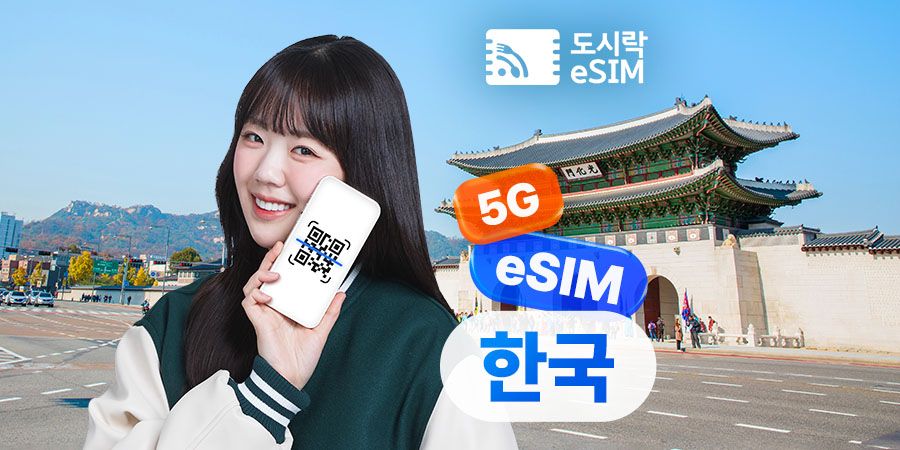
![[50% OFF] [Truly Unlimited] South Korea eSIM](https://d2mgzmtdeipcjp.cloudfront.net/files/good/2026/08/20/17871910150731.jpg?s=656x372&t=outside)

Available today
[50% OFF] [Truly Unlimited] South Korea eSIM
4.8
50 reviews
US$ 1.33



 Point Guide
3.4

박경*
The world would be so much easier if only e-SIM was available.
정보*
I bought it with a Korail bundle discount and it was so great!!! It's a little slow and disconnects, but it's not too inconvenient.
예다*
It's okay, except that the QR code comes late and sometimes doesn't work.

예다*
한국 여행때 매번 구매하긴 하는데 안터질때도 많아요.

예다*
한국 여행때 매번 구매하긴 하는데 안터질때도 많아요

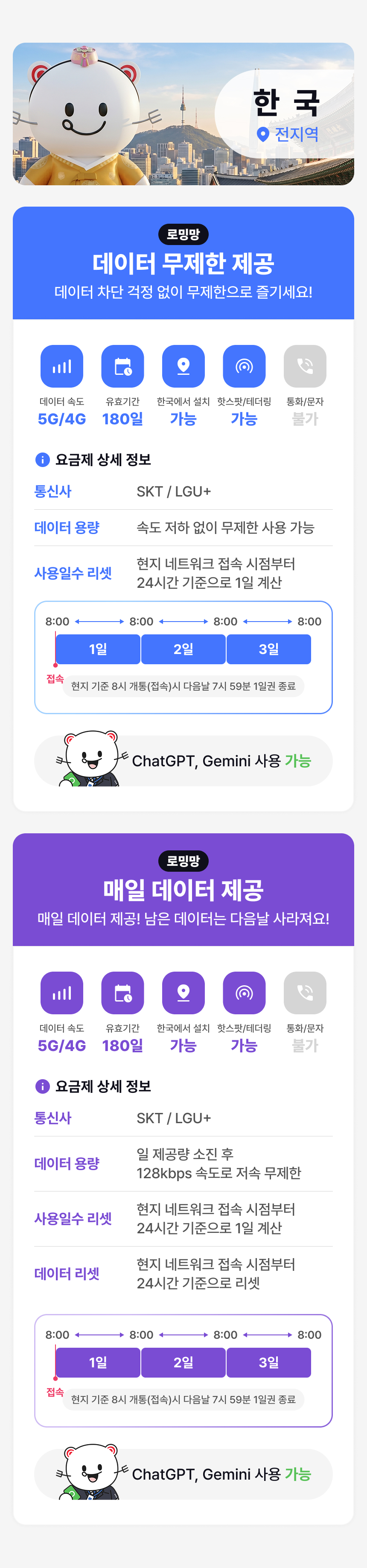
Travel all over Korea more conveniently with Dosirak eSIM!
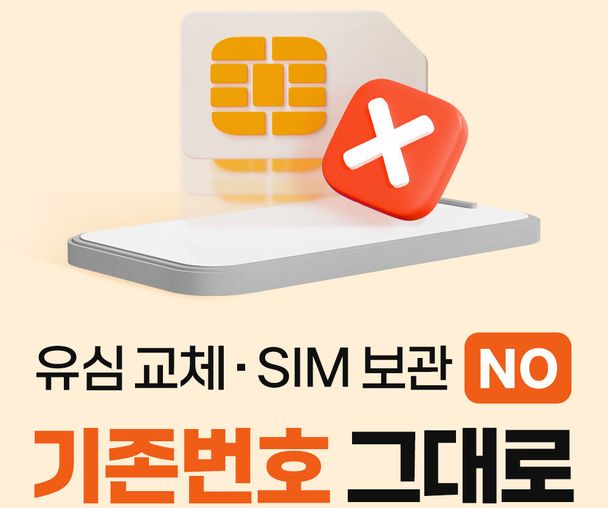
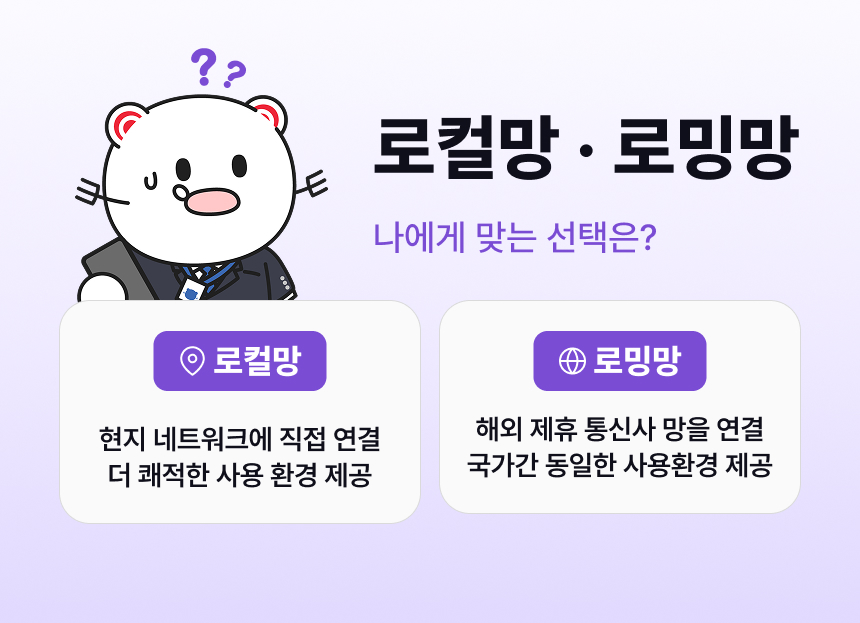
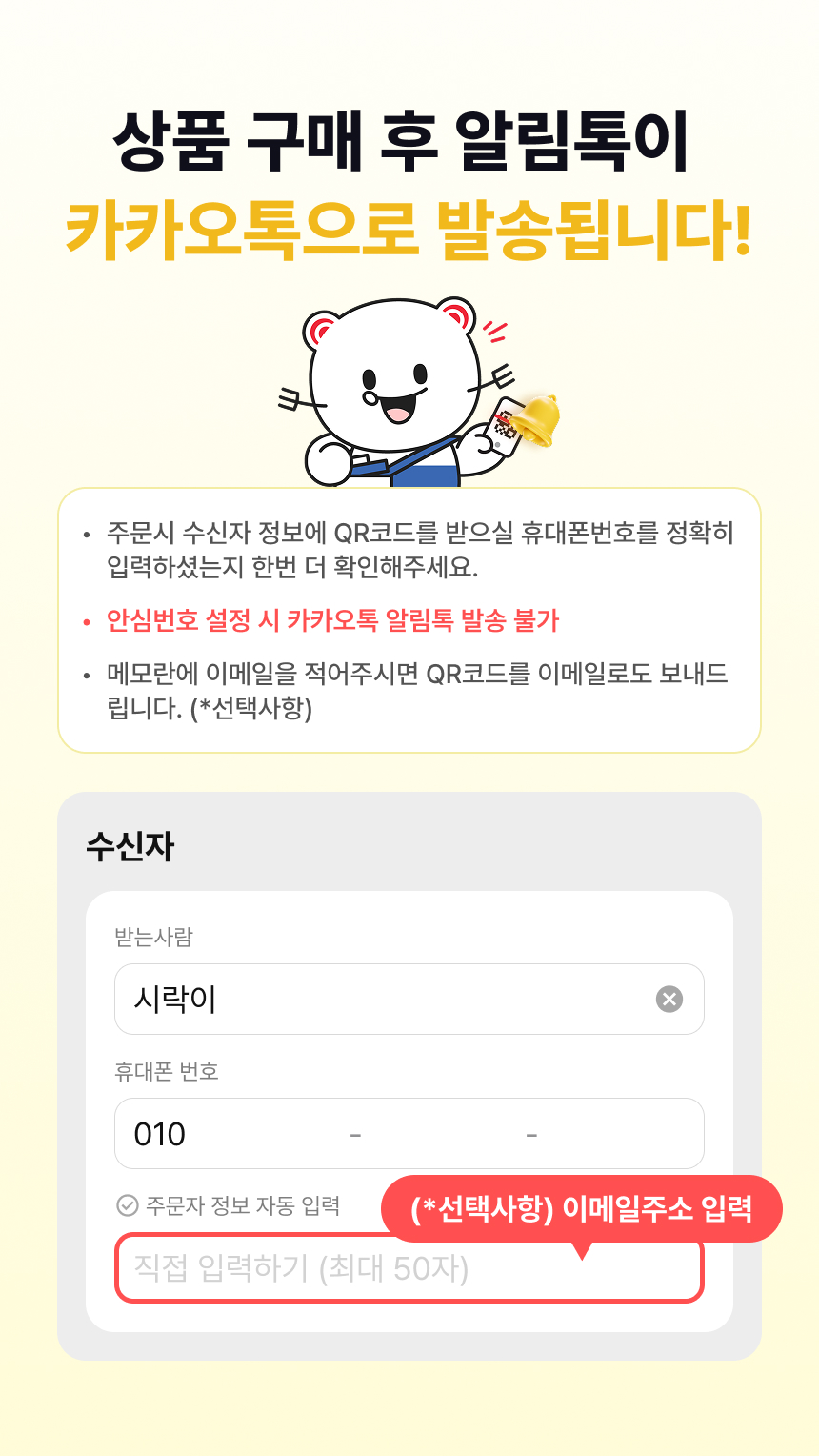
Introducing an eSIM that you can use immediately without needing to pick it up, as the QR code will be delivered within 24 hours of your order. It's more convenient as you don't need to remove and store your existing SIM card separately, eliminating worries about damage or loss. It's great because you can purchase local data at a reasonable price. Now, register it directly on your phone with the QR code after purchase and start using it!

 How To Use
How to Use:
1. Purchase
2. Setup (Android Version Learn More / iPhone (iOS) Version Learn More)
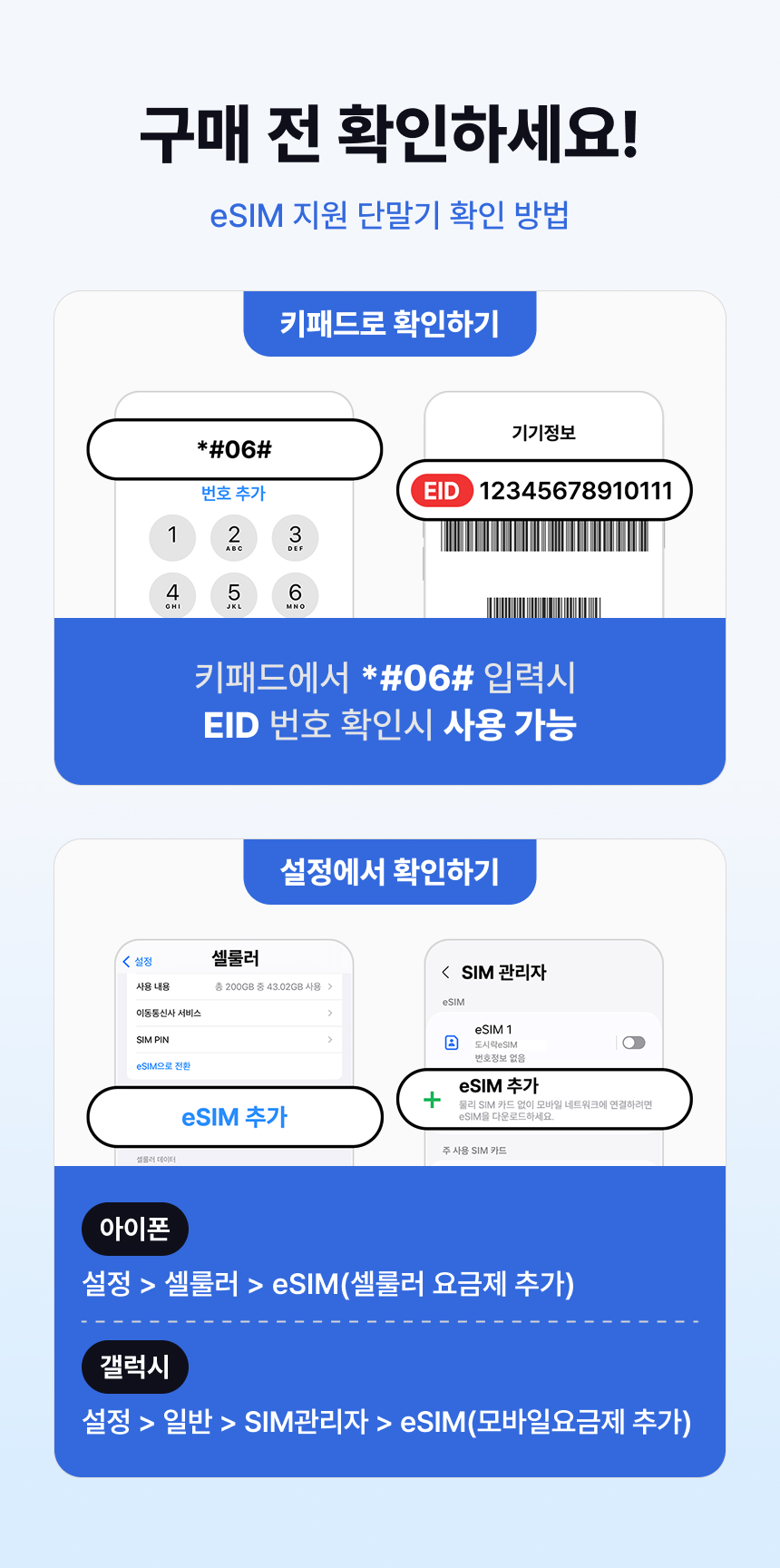
Go to Settings > Cellular
Select 'Add Cellular Plan'. (Plan can only be added in a network environment)
Add Cellular Plan > Scan QR Code
Scan the QR code image received via text and email.
If the QR code cannot be scanned, you can set it up manually.
Assign Plan Label and Line Usage
Existing SIM → Main
eSIM (Local SIM) → Secondary (Set freely for travel, work, etc.)
Set Default Line
Existing SIM → Calls/Messages, iMessage/FaceTime
eSIM (Local SIM) → Cellular Data (Turn OFF data roaming)
Go to Settings > Cellular > Turn OFF Cellular Data Switching
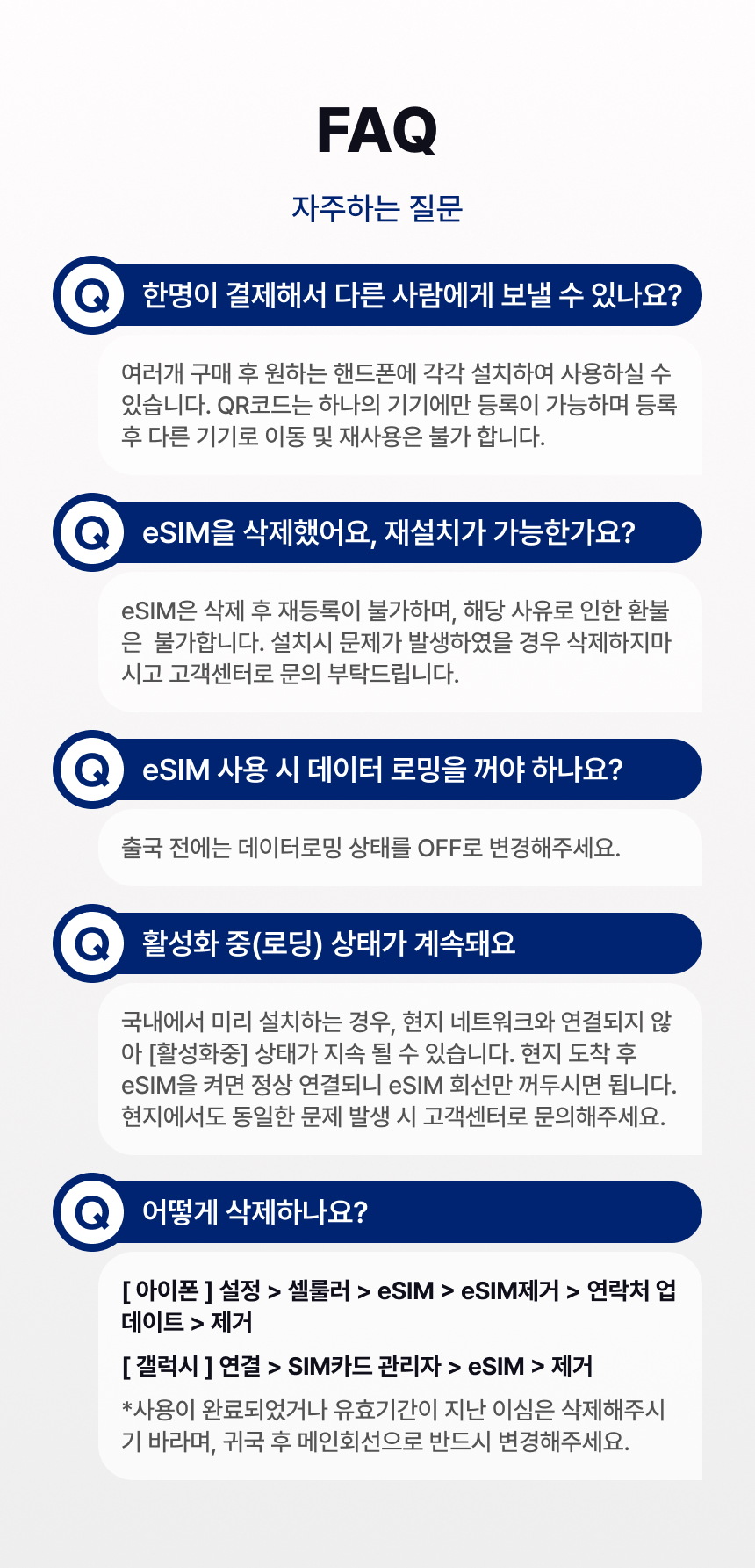
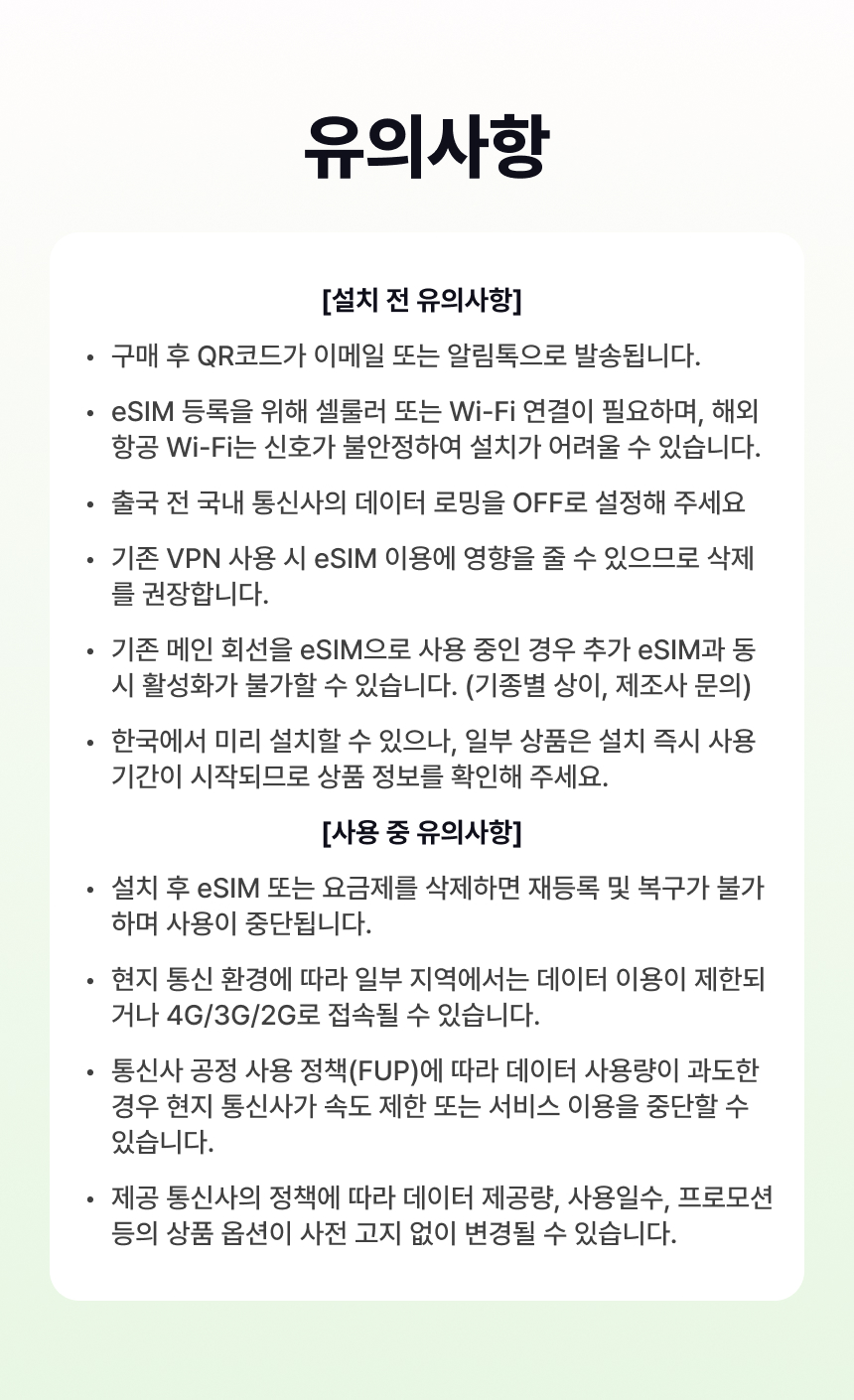
When using abroad, turn off cellular data switching to prevent using your existing SIM (Main) for data.
* If you turn on data roaming while the 'Main' cellular plan is selected, roaming charges may apply from your domestic carrier (Main line).
Manual APN Setting (If data is not working)
Settings > Cellular > Cellular Plan > Select eSIM Plan > Cellular Data Network
In most cases, it will be set automatically, but sometimes the APN information needs to be changed.
* Check the product details page for APN information.
Check Device Compatibility
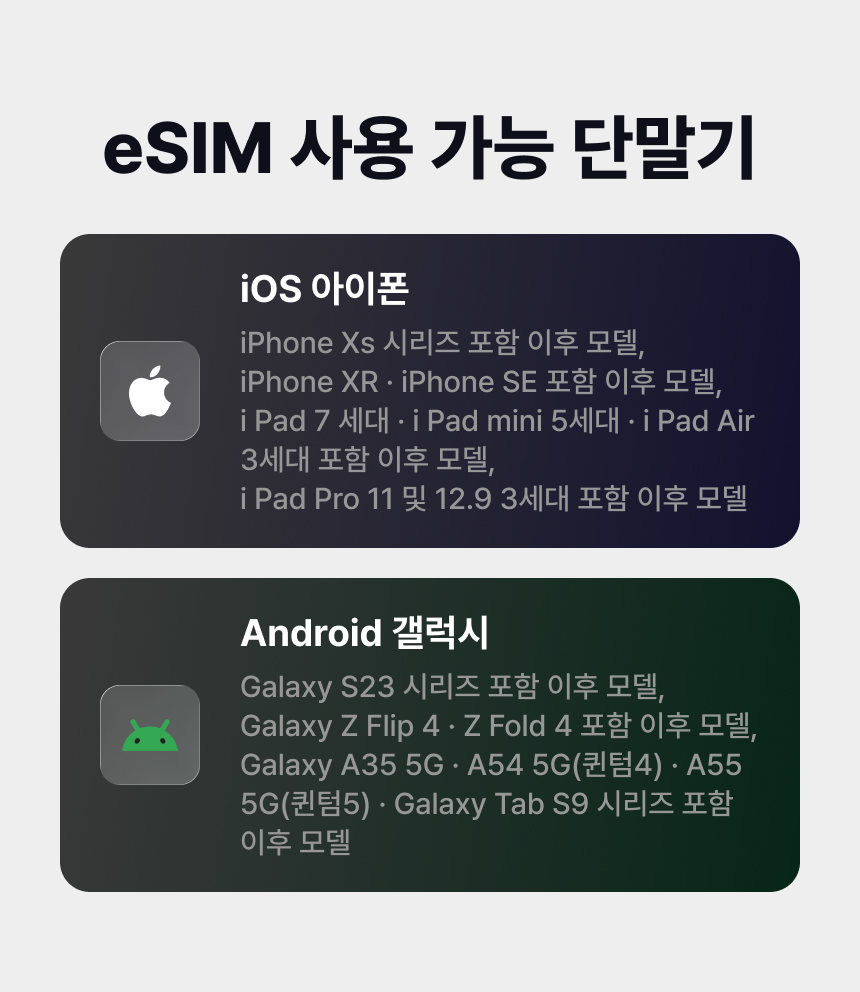
This eSIM can only be used on models equipped with an eSIM module. Please confirm device compatibility before purchasing.
Compatible devices may be added later based on the manufacturer's policy.
Devices with a country lock cannot use the eSIM service. Please unlock your device before use.
APPLE
All iPhone models released after the XS support eSIM (including mini, plus, and max models).
- iPhone SE2, SE3
- iPhone XS, XS MAX, XR
- iPhone 11, 11 Pro, 11 Pro Max
- iPhone 12, 12 Pro, 12 Pro Max
- iPhone 13, 13 Pro, 13 Pro Max
- iPhone 14, 14 Pro, 14 Pro Max
- iPhone 15, 15 Pro, 15 Pro Max
- iPhone 16, 16 Pro, 16 Pro Max
iPhones purchased in mainland China, Hong Kong, and Macau do not offer eSIM modules. eSIM is only available on some iPhone SE (2nd generation) and iPhone XS models purchased in Hong Kong and Macau.
(For more details, please refer to the official Apple website.)
SAMSUNG
- Galaxy Z Flip 4 (Domestic)
- Galaxy Z Fold 4 (Domestic)
- Galaxy S24 (Domestic)
- Galaxy S24+ (Domestic)
- Galaxy S24 Ultra (Domestic)
- Galaxy S23 (Domestic)
- Galaxy S23+ (Domestic)
- Galaxy S23 Ultra (Domestic)
- Galaxy Fold (International)
- Galaxy Z Flip (International)
- Galaxy S20 (International)
- Galaxy S20+ (International)
- Galaxy S20 Ultra 5G (International)
Samsung (Galaxy) phones released domestically can only be used on the above models equipped with an eSIM module.
Some Samsung (Galaxy) models released internationally support eSIM.
Google
Pixel 4, 5, 6, 7, 8, 9
Pixel Fold
Please check with the manufacturer for availability on unlisted devices and other inquiries.
Contact Us:
Widemobile Customer Center 1566-9070
09:00 - 18:00 (Closed on weekends/holidays and during lunch break 12:00-13:00)
KakaoTalk @도시락통
AI Customer Center operating 24/7, year-round
For inquiries from overseas:
+82-2-775-1401
09:00 - 18:00 (Closed on weekends and holidays)
Please check with the manufacturer for availability on unlisted devices and other inquiries.
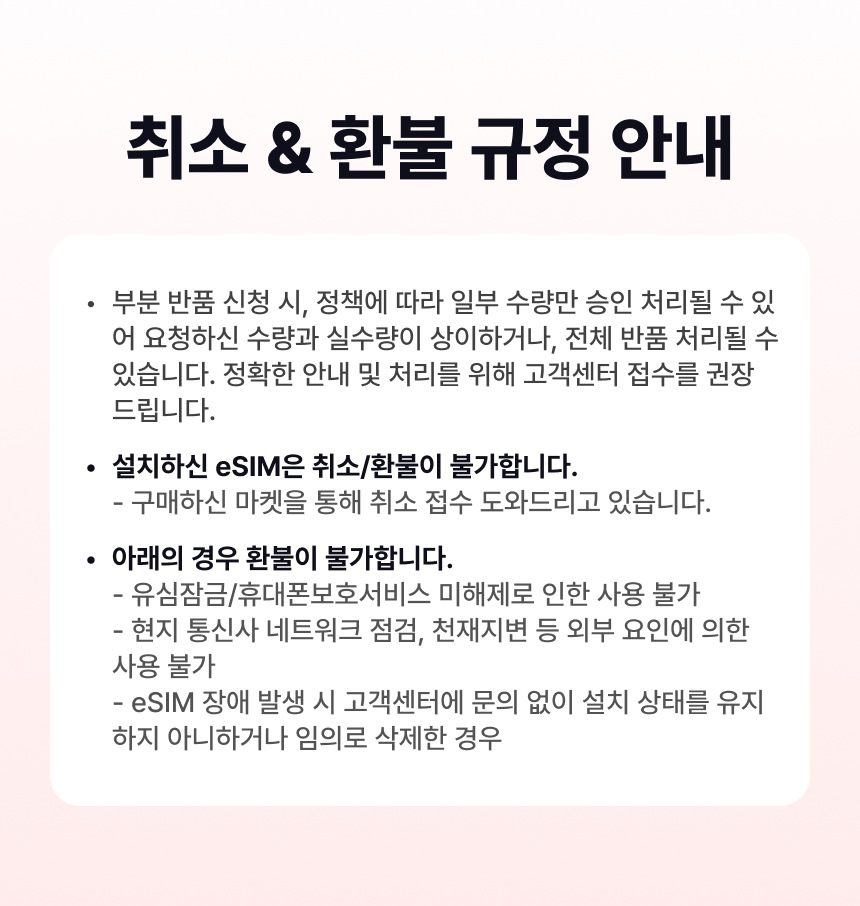
※ All usage conditions are subject to the information stated on the voucher. Refunds or compensation will not be provided if you are unable to use the service due to failure to check the information.※ All usage conditions are subject to the information stated on the voucher. Refunds or compensation will not be provided if you are unable to use the service due to failure to check the information.
 What to Remember
 AI PicksPoint Guide
![[50% OFF] South Korea eSIM (5GB Data + Unlimited Slow Speed)](https://d2mgzmtdeipcjp.cloudfront.net/files/good/2026/08/20/17871905380280.jpg?s=656x372&t=outside)
![[50% OFF] China: eSIM (Unlimited Data)](https://d2mgzmtdeipcjp.cloudfront.net/files/good/2026/08/20/17871898678154.jpg?s=656x372&t=outside)